
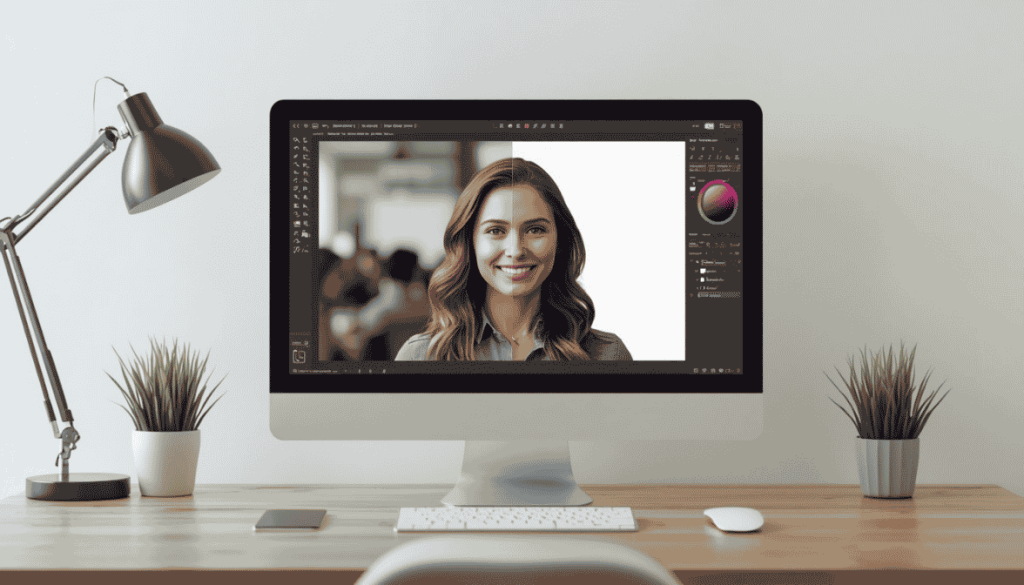
It provides a clean white background, which instantly makes any photo you take look clear, simple, and professional. Many people want to Change background to white for product photos,, ID card photos, profile photos, and online shops. White backgrounds eliminate distracting elements and help viewers focus on the main subject.
You don’t have to be an advanced designer these days. Use an online background changer and you can get the job done in no time. It conveys speed and quality, and makes your photos more reliable.
In this guide, we’ll discuss why a white background is important. It will also walk you through 3 easy steps online to create effective photos.
Why Change Background to White?
White backgrounds give your photos a modern and clean look. They work well for a variety of types of photos. Online sellers use them for product photos. Students use them for ID or document photos. Professionals use them for profile pictures and resumes.
This is why the best images use a white background, because it looks so clean. It directs the viewer to focus on an object, face, or product. There are no cluttered rooms, walls, shadows, or outdoor scenes in the background.
A white background can also increase e-commerce credibility. The color, shape, and description of the product are clearly visible to customers. This enables them to make a purchasing decision quickly.
Best Uses of a White Background
You may need Change background to white for a variety of reasons. This makes it more useful for product photos, passport photos, job profiles, school documents, and social media posts.
Small businesses also use catalogs with white backgrounds. Such a clean background gives the brand a more professional look. It also maintains a consistent style in each image.
Because white backgrounds make it faster for photographers and designers to work. It helps them prepare images for web pages, advertisements, and online portfolios.

How to Change background to white online
Now, changing the background is very easy. It helps you take a screenshot to compare each image with the original. You just need to upload your image to the online tool. This tool detects the original object and removes the background layer.
You can then select the white color to use as the new background. Then you can download the final image in high resolution. This whole process takes just a few minutes.
Here are the basic steps:
- Upload your image.
- Allow the tool to remove the background.
- Now use the same background color, but with white.
- Adjust the edges if necessary.
- Download your edited image.
The fastest way is that you can do this instead of editing it manually. Another thing is that it seems easy even for beginners.
Tips for Better White Background Photos
Use good quality photos and preferably taken in daylight. Your content should be easily visible. Blur is your biggest enemy, so avoid taking photos that can be blurry and ruin all your efforts for the ultimate quality.
Try to use real-life photos. This helps the tool to identify the subject in a new way. Let the object/person be fully visible.
When taking product photos, center the product. Leave enough space around the product. This adds balance and professionalism to the photo.
Keep your face straight for all your profile photos. Make sure your hair, shoulders, and face are not covered. This gives better results after removing the background of the photo.
Do you need to remove the background from a white photo?
It is fast and easy. An online tool. You don’t need advanced software like Photoshop. You can edit your photos from your mobile phone, laptop, or tablet.
This tool can also be used when you need a lot of photos urgently. Online sellers can make changes to the photos in less time. Job seekers and students who need photos for a document can take photos from home without having to go to a fancy studio.
Most of the tools are easy for beginners. You just need to upload, select a white background, and then download. As a result, it makes editing images easier for everyone.
White Background for Product Photos
Product photos need to be clean and credible. Customers can see the product more clearly with a white background. This way, it eliminates unwanted colors, shadows, and distractions.
Most online marketplaces prefer white backgrounds. Therefore, clean product photos look good on both websites and mobile screens. They blend in easily with most website designs.
Always use white backgrounds for clothing, gadgets, cosmetics, and household products. This can help your store look more professional, elegant, and clean.
White background for ID/profile photos
Most official documents require clear and plain photos. Profiles, forms, and applications usually use white backgrounds. They have a formal feel and look clean.
You can even add white background photos for LinkedIn, resumes, and business profiles. A polished profile helps create a respectable first impression.
Common mistakes to avoid
Use photos that are not too dark or low quality. Cropping them can cause the edges of the photo to be jagged or uneven. Also, never use photos that have heavy shadows on the subject of the photo.
The subject should not be cropped too much. Keep the area close to the face or product. This will help the colors in your final photo look natural.
Avoid over-editing the photo. Keep the colors of the subject realistic. The clean white background will prevent the photos from looking artificial.
Final Thoughts
It is essential to whiten the background of the photo and it is quite difficult to do. It improves the quality of product images, profile pictures, ID pictures, and social media posts. It also gives the image a clean, crisp, and professional feel.
The process of online background whitening involves a few simple steps. Upload your image, remove the old backdrop, choose a white color, and your image will be downloaded. This proper editing can improve the quality of your image.